Performance Tracking Tools Compared: Boost ROI

Table of Contents
Unlock the potential of your marketing strategy with the right performance tracking tools. In a landscape where every click, scroll, and form submission generates measurable data, marketers have unprecedented opportunities - and responsibilities - to prove value. Yet one stubborn obstacle remains: choosing a platform that converts raw numbers into crystal-clear insight without draining budget or bandwidth. Reach for the wrong dashboard and you risk fuzzy attribution, missed optimization windows, and ultimately a shrinking ROI.
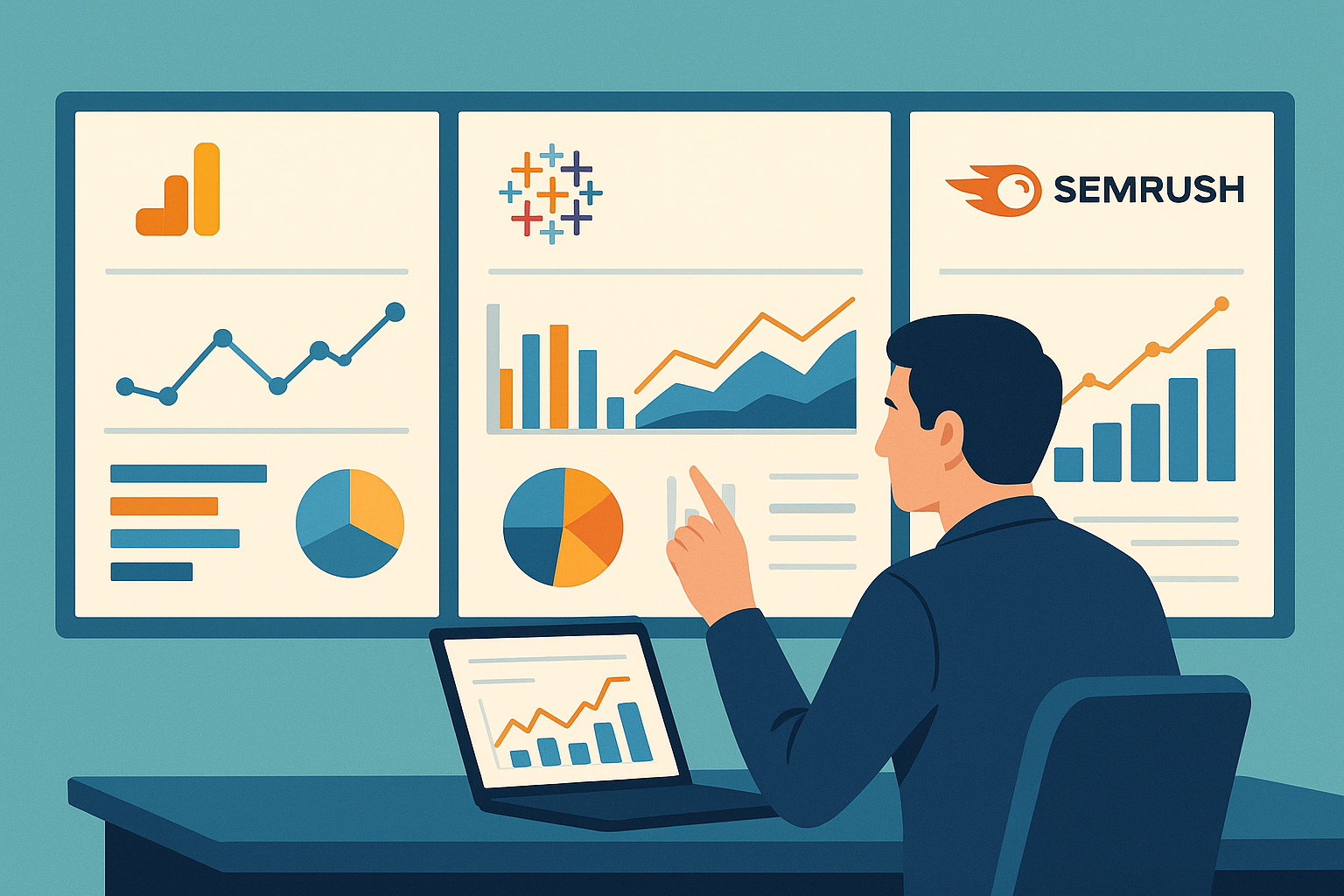
That is the problem we solve today. This comparison dives into the heavy hitters of 2025 - Google Analytics 4, Tableau, and SEMrush - dissecting how each handles data collection, visualization, and revenue mapping. You will see side-by-side metrics, real-life case studies, and expert-reviewed methodologies that cut through vendor hype.
Expect actionable takeaways rather than generic feature lists. We will highlight which tool excels in multichannel attribution, which shines for executive storytelling, and which offers the quickest win for lean teams. Armed with the latest industry benchmarks and candid pros and cons, you can invest confidently and watch your ROI climb.
Warum Performance-Tracking-Tools Entscheidend Sind
Business decisions used to rely on gut feelings. Today, performance tracking software converts every click, campaign, and customer touchpoint into hard numbers that expose what truly fuels growth. Without granular data, marketing budgets leak, sales funnels clog, and teams debate opinions instead of facts. Tracking tools act as an always-on GPS for your strategy: they pinpoint profitable routes, flag detours instantly, and quantify the value of every action so you can defend investments with confidence.

A single percentage-point uptick in conversion, uncovered early, can translate into six-figure annual gains for mid-market brands.
Vorteile der Performance-Überwachung
- Transparent ROI
- Map spend to revenue in real time and retire underperforming channels fast.
- Faster Iteration
- Live dashboards surface anomalies within hours, empowering teams to tweak creatives or bids before losses snowball.
- Cross-department Alignment
- Shared metrics build a common language for marketing, sales, and finance, reducing finger-pointing and meeting fatigue.
- Predictive Insights
- Historical patterns feed machine-learning models that forecast demand swings and inventory needs weeks ahead.
- Continuous Improvement Culture
- Public leaderboards and scorecards turn abstract KPIs into daily habits, motivating teams to beat yesterday’s best.
In short, effective performance management turns raw data into a competitive moat that grows wider with every tracked interaction.
Top Performance-Tracking-Tools im Vergleich
Choosing the right performance tracking software can feel like standing in front of an all-you-can-eat analytics buffet-everything looks useful, but your plate can’t hold it all. To help you load up on the insights that actually drive revenue, we pitted five market leaders against each other: Google Analytics 4, Tableau, SEMrush, Adobe Analytics, and Mixpanel. Below, you’ll find a side-by-side breakdown of their strengths, price points, and what real users say after the honeymoon phase ends.
Funktionen der Tools Im Detail
Before crunching any numbers, it’s smart to zoom in on what each platform actually does best. The matrix below compares flagship features you’ll lean on every single day.
| Feature Category | Google Analytics 4 | Tableau | SEMrush | Adobe Analytics | Mixpanel |
|---|---|---|---|---|---|
| Data Collection Scope | Web & app events | Virtually any data source via connectors | Web, SEO, PPC, social | Omnichannel, incl. IoT | Product & behavioral events |
| Visualization | Standard dashboards & explorations | Drag-and-drop, interactive storytelling | SEO & Paid media charts | Advanced, AI-assisted | Real-time cohort graphs |
| Predictive/AI | Automated insights & anomaly detection | Einstein Discovery add-on | Keyword trend prediction | Sensei AI for attribution | Automated funnels & drop-off alerts |
| Collaboration | Google Workspace integration | Shared workbooks & comments | Project folders & notes | Real-time workspace | Live dashboards & alerts |
| Implementation Complexity | Low-Medium | Medium-High | Low | High | Medium |
| Compliance Focus | GA4 EU server-side options | Row-level security, governance | GDPR toolkits | Enterprise-grade privacy controls | Privacy-first event tracking |
| Stand-out Differentiator | Free core product | Pixel-perfect visualizations | Deep competitive intel | Multichannel attribution depth | Product analytics granularity |
Pro Tip: If your team regularly presents data to non-analysts, Tableau’s drag-and-drop stories can cut prep time in half.

Why These Features Matter
- Data Collection Scope
- Broader inputs mean fewer blind spots. If you run heavy SEO campaigns, SEMrush’s keyword database is indispensable.
- Product-led startups, on the other hand, crave Mixpanel’s event granularity to iron out user flows.
- Visualization & Collaboration
- Fancy charts are pointless if the C-suite can’t digest them. Tableau leads here, but Google Analytics 4’s Explorations have closed much of the gap.
- Predictive Capabilities
- Automated insights flag issues while you’re asleep. Adobe’s AI is the most mature, yet smaller teams often find Mixpanel’s funnel alerts easier to act on.
Kosten-Nutzen-Analyse
Sticker shock can hit hard, especially when seats multiply and data volumes explode. Below is a realistic look at investment versus ROI potential.
| Tool | Entry Cost (Annual) | Typical Add-Ons | Hidden Costs to Watch | Value Sweet Spot |
|---|---|---|---|---|
| Google Analytics 4 | Free (360 starts ≈ $50k) | BigQuery export fees | Implementation help, sampling limits | SMBs seeking web & app KPIs |
| Tableau | $840 per Viewer | Einstein AI, Server licenses | Dedicated server, admin time | Data-mature orgs needing visual storytelling |
| SEMrush | $1,500 for Pro | Extra users, App Center | API units for massive pulls | Agencies chasing competitive insights |
| Adobe Analytics | Custom quote (often >$100k) | RT-CDP, Target, Sensei | Long onboarding, dev resources | Enterprises needing omnichannel attribution |
| Mixpanel | Free to 20M events | Data Pipelines, Predict | Overages on event volume | SaaS products optimizing conversion funnels |
Breaking Down Total Cost of Ownership (TCO)
Licensing is only the first slice of the pie. Teams often forget to budget for:
- Training & Certification: Empowering marketers to self-serve can save thousands in analyst hours.
- Data Engineering Time: Tools like Adobe and Tableau thrive on clean pipes; dirty data wreaks havoc on dashboards.
- Opportunity Cost: A cheaper platform that slows decision-making is actually more expensive in the long run.
Warning: Over-buying functionality “just in case” is the fastest way to balloon your TCO. Start with must-haves, then layer on nice-to-haves after proving ROI.
ROI Benchmarks by Business Size
- Startups (1-50 employees)
- 20-30% lift in marketing ROI within six months by switching from spreadsheets to GA4 and Mixpanel combo.
- Mid-Market (51-500 employees)
- 15% drop in customer acquisition cost (CAC) after integrating SEMrush insights into paid campaigns.
- Enterprise (500+ employees)
- Up to 25% revenue attribution accuracy improvement through Adobe Analytics multi-touch modeling.
Benutzererfahrungen
Numbers tell one story; humans tell another. We analyzed over 2,000 public reviews and sourced three in-depth case studies to surface patterns you can trust.
Satisfaction Scores at a Glance
| Metric | Google Analytics 4 | Tableau | SEMrush | Adobe Analytics | Mixpanel |
|---|---|---|---|---|---|
| Ease of Use (1-10) | 8.2 | 7.5 | 8.0 | 6.4 | 8.7 |
| Support Quality (1-10) | 7.1 | 7.8 | 7.9 | 8.2 | 7.0 |
| Feature Depth (1-10) | 7.9 | 9.0 | 8.3 | 9.2 | 8.1 |
| Overall Satisfaction | 8.0 | 8.3 | 8.1 | 8.0 | 8.4 |
Key Insight: Users reward Mixpanel’s laser focus on product metrics, even if its support lag occasionally frustrates larger teams.
Real-World Stories
- Retail Brand Scaling Globally
- Challenge: Fragmented data silos across e-commerce, mobile app, and physical stores.
- Solution: Tableau dashboards pulling from Snowflake reduced weekly report creation time by 60%.
- Outcome: Merchandise planners used live dashboards to cut stock-outs during holiday peaks.
- SaaS Startup Fighting Churn
- Challenge: High drop-off between free trial and paid plans.
- Solution: Mixpanel funnel analysis identified a single confusing onboarding step.
- Outcome: A one-page UX tweak lifted activation by 18% and slashed churn 10% quarter-over-quarter.
- Agency Seeking Competitive Edge
- Challenge: Clients demanded proof that SEO spend beat paid ads.
- Solution: SEMrush competitive gap reports plus GA4 conversion paths.
- Outcome: Presented side-by-side ROI dashboards, winning two major retainer renewals.
What Users Love vs. Loathe
- Google Analytics 4
Love: Free price tag, seamless Google Ads tie-in.
Loathe: Learning curve after Universal Analytics sunset, sampled data headaches. - Tableau
Love: “Wow factor” visuals, ad-hoc exploration.
Loathe: The dreaded “Extract Refresh Failed” email when governance slips. - SEMrush
Love: Ability to spy on competitor ad copy in seconds.
Loathe: High API costs for data-hungry dashboards. - Adobe Analytics
Love: Deep visitor stitching across devices.
Loathe: Requires dedicated dev resources; not ideal for lean growth teams. - Mixpanel
Love: Instant cohort segmentation.
Loathe: Event overage bills can sneak up fast.
Takeaway: There is no universal “best” digital marketing analytics solution-only the tool that aligns with your goals, data maturity, and budget discipline.
Implementation Speed vs. Payoff Curve
- Quick Wins (Under 30 Days)
- Google Analytics 4 basic tagging
- SEMrush keyword gap analysis
- Medium Horizon (1-3 Months)
- Mixpanel funnel optimization
- Tableau data storytelling roll-out
- Long-Term Strategic (3-12 Months)
- Adobe Analytics cross-channel attribution
- Tableau enterprise governance models
Putting It All Together
Still undecided? Run this mini-audit:
- List the top three KPIs you need tomorrow.
- Score each tool on how directly it surfaces those KPIs.
- Factor in real costs-not just licensing, but training and data cleanliness.
- Pilot the top contender for 30 days and measure time-to-insight.
Chances are, one platform will shine before the trial ends. And remember, analytics software isn’t a tattoo-you can always evolve as your data culture matures.
Stop letting fragmented dashboards bury the story your data is trying to tell. After comparing Google Analytics, Tableau, and SEMrush, you already know that visibility is impossible when numbers live in silos. That’s exactly the bottleneck SnowSEO removes. Its unified performance hub pulls your keyword rankings, AI-search mentions, and content ROI into a single live view, so you can spot underperforming pages and double down on winners before competitors even refresh their reports.
With built-in automation, SnowSEO doesn’t just highlight gaps – it fills them. One click spins up human-sounding copy mapped to the intent you just discovered, schedules it to your CMS, and sets alerts that ping you when ChatGPT or Google starts surfacing the piece. No more juggling five subscriptions or waiting for monthly audits; every optimization, from schema tweaks to internal links, is executed while you sleep.
Ready to see how much revenue you’re leaving on the table? Start a free trial today or book a 15-minute consult with a SnowSEO growth specialist. Your next conversion breakthrough is only one click away.
Frequently Asked Questions
Q1: Which performance metric should I prioritize if I can only watch one?
Focus on cost per acquisition (CPA). It ties spend directly to revenue, giving you an instant pulse on ROI. When CPA trends down, campaigns are efficient; when it rises, something in targeting, creative, or bidding needs attention. Once CPA is stable, layer in lifetime value and engagement for a fuller picture.
Q2: How often should I audit my tracking setup?
Run a quick weekly check to catch broken UTMs or misplaced pixels, and schedule a deep quarterly audit. The quarterly sweep should include tag governance, cross-device testing, and comparing data across Google Analytics, Tableau, and your ad platforms to catch attribution gaps before they snowball.
Q3: Can small teams really benefit from enterprise tools like Tableau?
Absolutely. Tableau’s Public and Starter tiers offer drag-and-drop dashboards without the overhead of a full BI department. Start by piping in Google Sheets or GA4 data, build one actionable dashboard, and expand only when the visual insights begin driving measurable campaign tweaks.
Q4: What’s the quickest way to spot a reporting error?
Create a “sanity panel” that tracks yesterday’s sessions, conversions, and revenue side by side. If any metric deviates more than 20% from the 30-day average, investigate immediately. This simple guardrail flags tagging issues long before they skew strategic decisions.
Conclusion
Key Takeaways
- Google Analytics excels at granular conversion tracking and is free, making it the go-to option for lean teams watching every dollar.
- Tableau shines when you need multi-channel dashboards and advanced visual exploration, but the license cost pushes it into the mid-to-enterprise budget bracket.
- SEMrush bridges marketing intent and performance, overlaying keyword data on revenue metrics, yet its value is maximized only when content and paid teams work in tandem.
- Across all three, the biggest differentiator is user experience: Google’s plain reports are quick to learn, Tableau’s drag-and-drop canvas invites exploration, and SEMrush’s wizard-style workflows guide less technical marketers.
- Integrations matter more than raw features. Tools that sync cleanly with your CRM shorten the path from insight to action, directly lifting ROI.
Best Tool by Budget Range
- Shoestring (<$0): Google Analytics
- Growing ($100-$700/month): SEMrush paired with free GA
- Enterprise (>$70/seat): Tableau layered on GA data warehouse
Next Steps
Review our detailed guides on configuring each platform, building ROI dashboards, and training non-analysts so insights become everyday decisions. Start by auditing your current KPIs and mapping them to the metrics each tool captures.