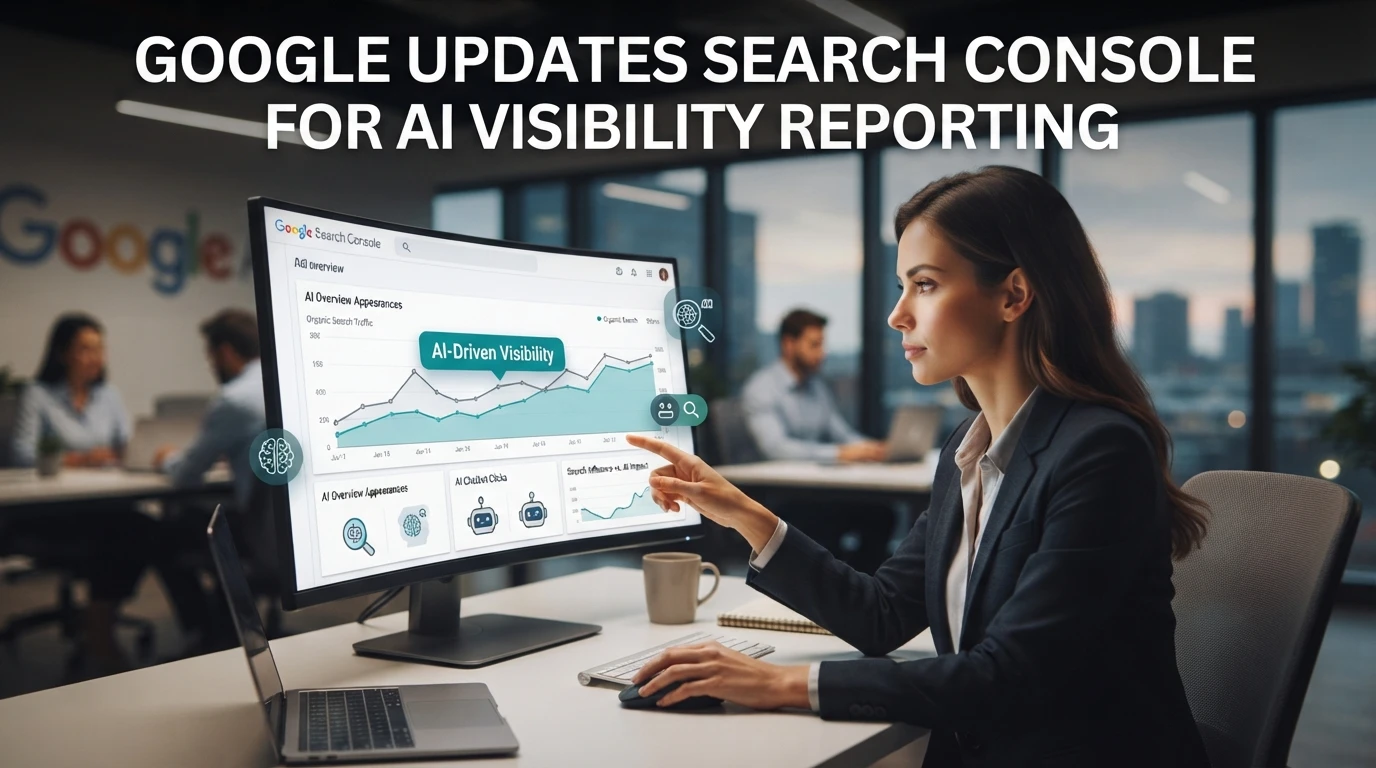
Quick Summary: Search Console now includes a generative AI performance report for AI Overviews and AI Mode, plus a setting that controls whether your content can appear in Google's AI features. Verify the toggle is enabled for every property, export a baseline, and identify pages earning AI impressions, since these results often produce fewer clicks than standard search listings. The report covers Google only, so tracking citations across ChatGPT, Claude, and other engines requires a separate platform such as SnowSEO.
Google quietly shipped its first native look at AI visibility: as of August 31, 2026, the Search Console generative AI performance report and the opt-in toggle for AI Search features are live for every site. The catch? The data covers impressions only, and many teams haven't noticed. This piece explains what changed, where to find the report, and the changes worth making this week.
Table of Contents
What Google Shipped to Search Console
Two changes landed in Search Console: a report that shows how your site performs in generative AI features, and a toggle that controls whether your content can appear there at all. Google announced the reports in June and rolled them out to everyone after, making this the first native AI visibility data inside the platform Google's announcement.
The toggle that decides whether your site shows up in AI answers
Alongside the report, Google added a setting that lets site owners decide if their content can help ground responses in AI features like AI Overviews and AI Mode. Turning it off blocks that use, so any site that wants AI citations should verify the toggle is on. As of August 31, 2026, both the report and the opt-in control are live for all properties Search Engine Land's coverage.

What the generative AI performance report actually shows
The report sits in Search Console's Performance section and follows the familiar format: impressions, clicks, and position, but filtered to generative AI results. You can slice the data by query, page, country, and device, which makes it easy to spot which pages earn AI citations and which ones never surface Google's support documentation. For teams that also want to measure visibility on ChatGPT, Claude, and other engines in one place, dedicated AI visibility tracking fills that gap. The catch: Google's report covers Google only.
What You Should Change In Your Workflow Now
The search console AI visibility update is live, so your Monday routine deserves a small rebuild. Start with four steps:
- Check the toggle. Confirm the AI Search reporting control is enabled for every property you manage, including client accounts.
- Baseline the report. Export the generative AI performance data now, even if numbers are thin. You need a "before" point.
- Tag AI-driven queries. Compare the new report against classic Search data to see which pages earn AI impressions but few clicks.
- Brief your writers. Share which content formats appear in AI results so future pages match what Google surfaces.

The gaps that will trip your team up
This report covers Google only. If a client asks how their brand shows up in ChatGPT or Claude, Search Console has no answer, and mixing the two in one slide will confuse stakeholders. AI impressions also behave differently from standard results: fewer clicks, more zero-click answers, so week-over-week click drops are not always a loss.
Cross-platform tracking needs a separate tool. Platforms like SnowSEO measure visibility across engines alongside Search data, so you can report one story instead of two. Note the caveat in client docs now, before the first confused email arrives.
How Google Got Here With AI Visibility Controls
From Google-Extended to a live reporting dashboard
For years, site owners could only say no. Google-Extended let you block your content from training Gemini, but you got nothing back: no impressions, no clicks, no way to see how AI answers actually used your pages. The trade felt one-sided.
That changed in June 2026, when Google announced Search Generative AI performance reports in Search Console, with dedicated views for AI Overviews, AI Mode, and AI features in Discover. Alongside the report came something new: a toggle that lets sites opt out of having their content appear in AI responses, covered by Search Engine Land.
This search console AI visibility update replaces a blunt block with measurement first, control second. It's a bigger shift than it looks.

Search Console shows Google only. If you also want to know how often ChatGPT and Claude cite you, SnowSEO tracks your AI visibility across platforms in one dashboard.
Frequently Asked Questions
Q1: What changed in Google's Search Console AI visibility reporting?
As of August 31, 2026, Google ships a generative AI performance report plus a toggle controlling whether your content appears in AI features. Check the toggle, export baseline data, and tag pages earning AI impressions.
Q2: Does the report show clicks or just impressions?
It includes impressions, clicks, and position, but AI results drive far fewer clicks. Treat click drops against AI visibility as expected, not a loss.
Q3: Can I see ChatGPT or Claude citations in Search Console?
No. The report covers Google only, so cross-engine visibility needs a dedicated tracking tool.
Q4: Where do I find the toggle?
It sits in Search Console's settings as the AI Search reporting control. Verify it's enabled for every property, including client accounts.
Conclusion
Search Console now shows how your pages perform in AI Overviews and AI Mode, plus a toggle you must keep on. Check it, export a baseline, and remember the data stops at Google. For citations from ChatGPT and Claude, AI visibility tracking across engines completes the picture.