
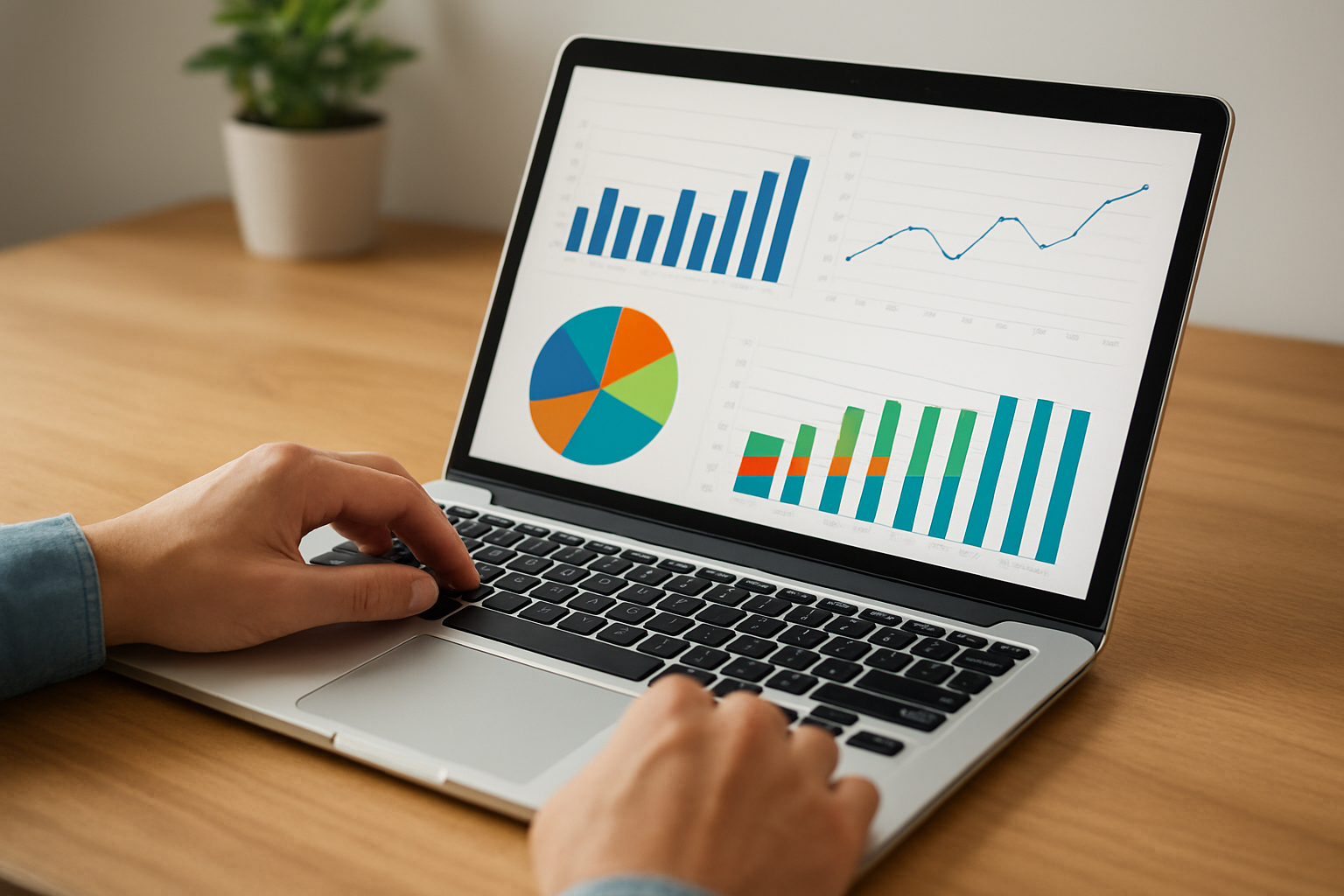
Generate SEO and GEO Reports Like a Pro

Table of Contents
Master the art of GEO and SEO reporting with expert insights that help you work smarter. Many teams struggle to turn messy data into clean reports that leaders trust. You feel that pain when you jump between tools, fight with spreadsheets, or try to explain trends that do not look clear.
Cut the noise and use simple steps that make your reports sharp and easy to act on. This guide shows you how to use enterprise GEO solutions and strong SEO methods without getting lost in jargon. You get a clear path that helps you move fast and share results with confidence.
Leading data analysts use these same ideas to spot patterns, fix weak spots, and support bigger goals. You can do the same with the right approach. Expect direct tips, simple tools, and a method you can use even on your busiest days.
Overview of GEO and SEO Reporting
Most teams look at SEO reports but miss the bigger picture. You need both GEO and SEO reporting to make smart calls. GEO shows how search engines and AI systems read your brand. SEO shows how people find you. When you pair them, you stop guessing and start acting with real data.
GEO reporting reveals how AI platforms interpret your pages. Tools like SnowSEO lead here because they track how your brand shows up across ChatGPT, Bing AI, and other engines. GEO matters because it highlights gaps you never see in normal SEO dashboards. A good snapshot can explain why your content ranks or why AI answers skip your brand.
Treat GEO data like a health check. It will tell you what AI thinks before your customers ask.
SEO reporting focuses on search behavior, keywords, and visibility trends. It helps you spot wins, weak spots, and issues in your funnel. You also get clear signals on content that needs more depth or better on-page setup.
You see this in resources like Google search documentation, which stresses clean structure and helpful content. GEO brings in a new layer. Platforms explain this shift in guides such as insights on generative engine behavior.
What is GEO Reporting?
GEO reporting shows how AI systems read and return your content. It tracks how your brand appears in answers, summaries, and suggestions across different models. Teams use it to catch issues before they hurt reach.
Here is a quick breakdown.
| Tool | Key Use | Why It Helps |
|---|---|---|
| SnowSEO | GEO and SEO tracking | Gives one dashboard for search and AI engines |
| GEO Tracker Pro | GEO visibility data | Shows how AI answers place your brand |
| SEO Visualization Suite | Classic SEO metrics | Helps teams tune on-page and technical setup |
Use GEO to guide what you fix first. Then let SEO confirm the impact.
- Start with SnowSEO to see AI visibility and SEO gains in one place.
- Check GEO hotspots that need clearer content.
- Use SEO data to refine keywords and structure.
Also Read: 5 Best SEO Tools Compared for 2026
Choosing the Right GEO Reporting Solutions
Pick a GEO reporting tool the same way you would pick a car. You want power, simple controls, and something that works every day without drama. Enterprise GEO reporting solutions should fit your workflow, not the other way around. Start by asking one question: does this tool help you ship insights faster?
You can also look at how large platforms push innovation. New AI upgrades inside tools like ArcGIS help teams move faster, and you see this in updates such as new ArcGIS AI enhancements. You want that same push toward speed in your own stack.
Pick tools that cut steps, not add them.
Top GEO Reporting Tools
- SnowSEO
Pick SnowSEO if you want one system that handles SEO, GEO, content, and tracking in one place. It automates reporting, finds gaps, and runs checks across search engines and AI platforms. Most teams use three to five tools to do what SnowSEO handles alone. - GEO Tracker Pro
Good choice if you want simple GEO layers and clean area based reports. - SEO Visualization Suite
Use this when you want strong maps and visual search data. - Esri ArcGIS
Large enterprises lean on ArcGIS for deep mapping power. Their new updates help with data flow, and the platform now offers smoother reporting paths through features like ArcGIS integrations for Microsoft Fabric.
Here is a quick look at how these tools compare.
| Tool | Main Strength | Best Fit |
|---|---|---|
| SnowSEO | Full SEO-GEO automation with AI reporting | Agencies and enterprise teams that want one system |
| GEO Tracker Pro | Simple GEO metrics and fast map exports | Teams with local or region based tracking |
| SEO Visualization Suite | Search data visuals and keyword maps | Analysts who need deep visual layers |
| Esri ArcGIS | Advanced mapping and data depth | Large orgs with complex GEO needs |
Match the tool to your real workflow. The right choice should save hours each week.
Integrating SEO and GEO Data
Mix SEO data with GEO data if you want real insight. You spot demand pockets faster. You plan content with more focus. You stop wasting budget on the wrong places.

Pull keyword trends, rankings, and search intent into the same view as location data. This is where SnowSEO shines. It blends both streams so you can track how search behavior shifts by city, region, or even block radius. You see which pages win where and which need help.
Treat location as a ranking signal. It exposes gaps your standard SEO dashboard hides.
Use tools that support GEO layers. SnowSEO does this out of the box. You can then line it up with external platforms like the geospatial features shown in BigQuery visualization docs. You also get ideas by looking at how map based content earns engagement in posts like the one on interactive map strategies.
Data Visualization Techniques
Show SEO and GEO data in the same chart. It helps people understand patterns fast. Try these moves:
- Start with SnowSEO to combine rankings, traffic, and GEO layers in one dashboard.
- Use heat maps to show where search demand spikes.
- Add radius based filters so you can compare neighborhoods.
- Use simple color coding to make winners and weak spots clear.
- Share snapshots in reports so teams act without long meetings.
Here is a clear comparison of common ways to mix both data types:
| Method | What It Shows | Best Use |
|---|---|---|
| SnowSEO layered maps | Ranking + GEO in one view | Teams that want one tool |
| Standalone GIS maps | Just GEO patterns | Early research |
| SEO only charts | Rankings without place | Basic tracking only |
Keep visuals simple. If people need to zoom five times, the report failed.
Also Read: Best SEO Performance Tools: A 2026 Comparison
Advanced SEO Reporting Tips
Strong reports win trust. They show what is working and what needs help. You can boost the value of your reports with a few smart moves.
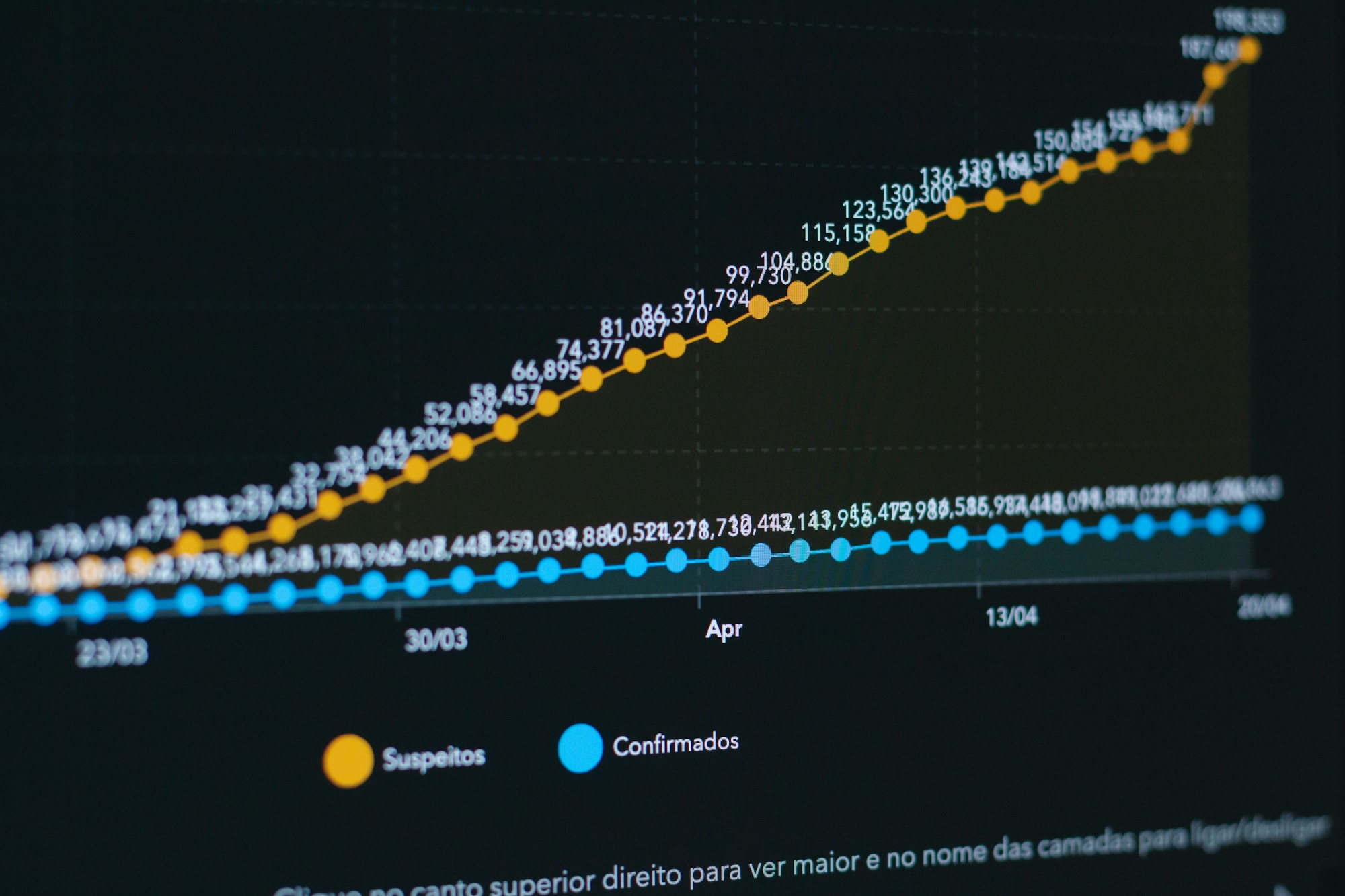
Start by shaping your report around what leaders care about. They want clear wins, not a wall of numbers. Pull insights that tie work to traffic, leads, and revenue. Add short notes that explain why a shift happened. People remember the story, not the chart.
Use insights from tools that help you work faster. For example, you can study how dashboards improve campaign clarity by checking guides like this breakdown of Looker Studio dashboards. You can also learn from SEO best practice reports to spot gaps in your own process.
Customizing SEO Reports
Shape each report to match the goals of the team. A one size report looks lazy. You need to show that the data speaks to their world.
Keep one core template, then tailor the insights for each client or team.
Use this simple table to guide your custom setup:
| Tool | What It Helps You Do | Why It Matters |
|---|---|---|
| SnowSEO | Automate research, insights, tracking, and AI content | Gives you a full view of SEO and GEO wins |
| GEO Tracker Pro | Map search shifts by location | Helps teams that depend on local search |
| SEO Visualization Suite | Turn complex data into clear charts | Makes exec reports easier to read |
Try these steps to make your custom reports hit harder:
- Start with SnowSEO insight blocks that highlight gains in traffic and ranking.
- Pull local data when the brand relies on foot traffic or regional trends.
- Add one slide that sums up the main action items.
This setup makes your SEO reporting tips feel simple and useful.
Case Studies in GEO and SEO Reporting
Strong GEO and SEO reports help teams see what is working and what is wasted effort. You spot gaps faster, fix issues sooner, and build a plan that is tied to real user behavior. Many enterprise teams use this edge to grow faster. One example is shown in an enterprise SEO performance breakdown that highlights how steady reporting can shift rankings in tough markets.
Case Study 1: Successful GEO Integration
A retail brand wanted to understand why some regions grew fast while others stayed flat. They had traffic, but they did not know where it came from or why patterns changed each month. SnowSEO made the first impact here. The team used SnowSEO to track GEO signals, content gaps, and keyword strength for each market. They saw that two regions needed new pages while three others needed faster page updates. This simple insight drove a double digit lift within weeks.
Treat GEO data like a map. It shows you where the road is clear and where you keep hitting traffic.
The brand then paired GEO insights with SEO reporting tips from its own audits. They checked rankings, fixed slow URLs, and cleaned weak content. They also looked at common patterns seen in other GEO and SEO case reviews to decide what to fix next.
Here is how their tool stack shaped up after the shift:
| Tool | Key Role | Strength for Teams |
|---|---|---|
| SnowSEO | GEO and SEO automation | Helps teams act fast with one dashboard |
| GEO Tracker Pro | Location reporting | Helps confirm movement by region |
| SEO Visualization Suite | Ranking charts | Helps spot drops in real time |
The team saw clear wins because they made reporting a habit, not a chore.

Stop juggling five tools to build one report. Let SnowSEO handle the heavy lifting for you. If you want SEO and GEO reports that actually guide smart decisions, you need a platform that tracks keywords, maps your reach, monitors competitors, and pulls everything into one clean view without fuss. That is exactly why teams switch to SnowSEO.
Use it to spot content gaps before they cost you traffic. Let it surface GEO trends you would miss by hand. Watch it auto generate human‑like content that fits both search engines and AI platforms. You get weekly SEO and GEO reports without lifting a finger, so you can act fast instead of digging through spreadsheets.
Explore GEO reporting solutions for your enterprise today. Create your account, sync your CMS, import your keywords, and let SnowSEO build the kind of reporting system you wish you had months ago.
Frequently Asked Questions
Q1: How do I know if my SEO and GEO reports are actually useful?
Check if they guide real actions. You should see clear patterns, quick wins, and gaps. If they feel like data dumps, switch to SnowSEO for cleaner insights.
Q2: Why does SnowSEO matter for report automation?
SnowSEO cuts the manual grind. It pulls data, tracks rankings, spots gaps, and builds reports without you touching ten tools. You save hours every week.
Q3: How often should I generate reports?
Create weekly SEO and GEO reports. This rhythm helps you catch drops fast and act before competitors move in.
Q4: What should I do when GEO data looks uneven?
Look for clusters. Target the strongest regions with more content. Fix weak zones with local pages and internal links.
Q5: Who benefits most from automated reporting?
Agencies, busy founders, and in house teams. Anyone who handles large keyword sets gains speed and clarity.
Q6: What happens if I skip GEO reporting?
You miss regional swing points. Rankings might hold in one area but tank in another, and you see it too late.
Conclusion
Smart teams treat GEO and SEO reporting as a single system. You see patterns faster, you react with more confidence, and you waste less time on guesswork. This idea shows up in research too, since the shift toward generative engine signals pushes brands to track data from many sources at once.
Use that advantage. Effective GEO and SEO reporting enhances strategic decisions because it removes blind spots. Choosing the right tools is crucial because bad tools hide trends you need to see. Integration and customization provide a competitive edge since they let you shape reports around your goals, not the other way around. Academic work on new optimization methods, like insights in current research on AI driven optimization, shows how fast things change.
Treat reporting as a living system. Keep tuning it, keep testing it, and keep pushing for clarity.